Busy Lights / Status lights

Is the room free?
See it at a glance

A small light outside the room shows whether it's free or occupied. Find a space without opening the door or interrupting the people inside.

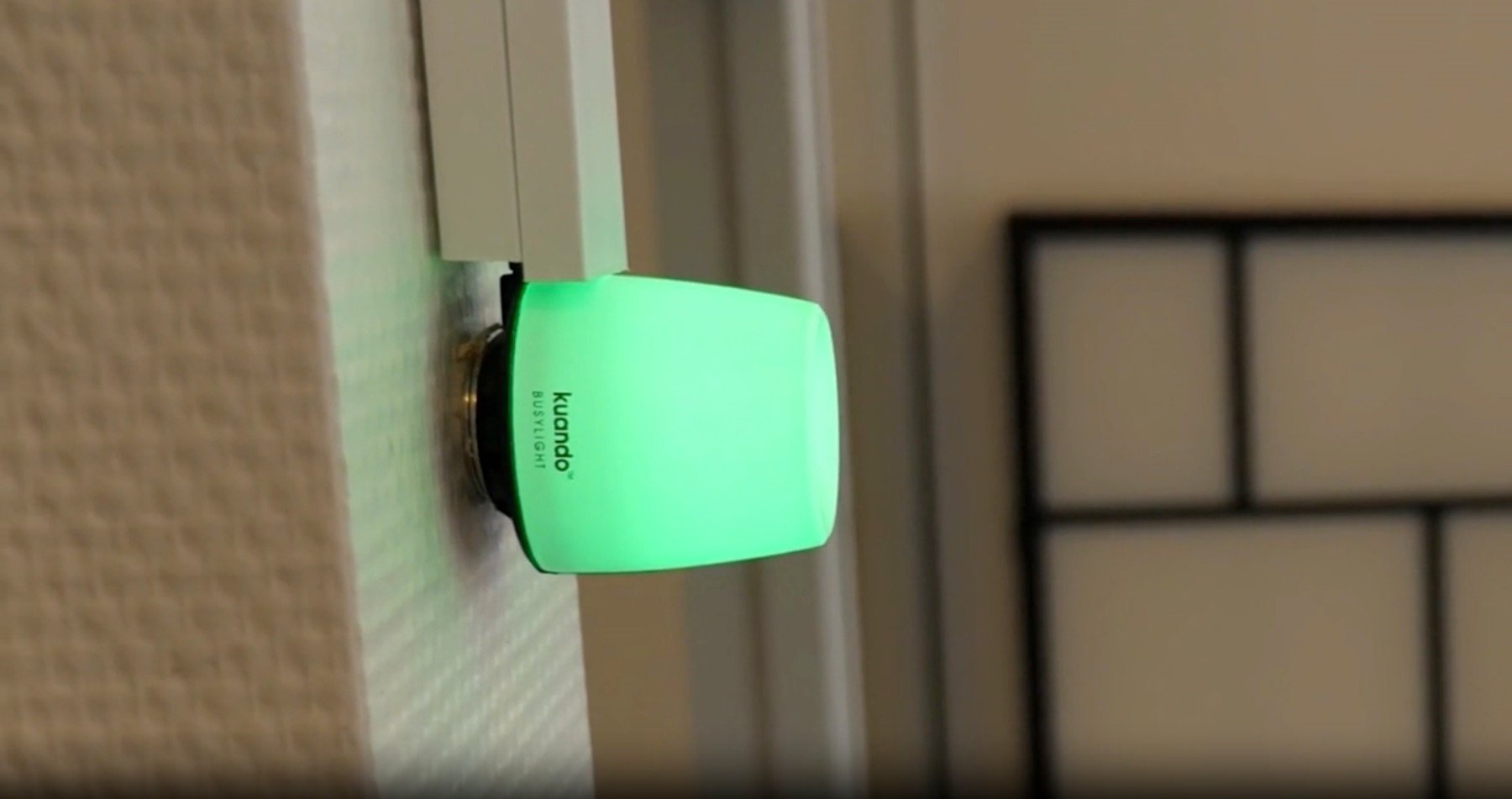
Kuando Busy Light glowing green when the room is free Free

Try it: pick a status

Green light: the room is free.

  • Visible from a distance
  • No room screen needed
  • For bookable rooms and drop-in

Lights that suit your office

A small detail
That makes your workday easier

See the solutions from our partners
Play the videos to see the lights in use

In partnership with Plenom

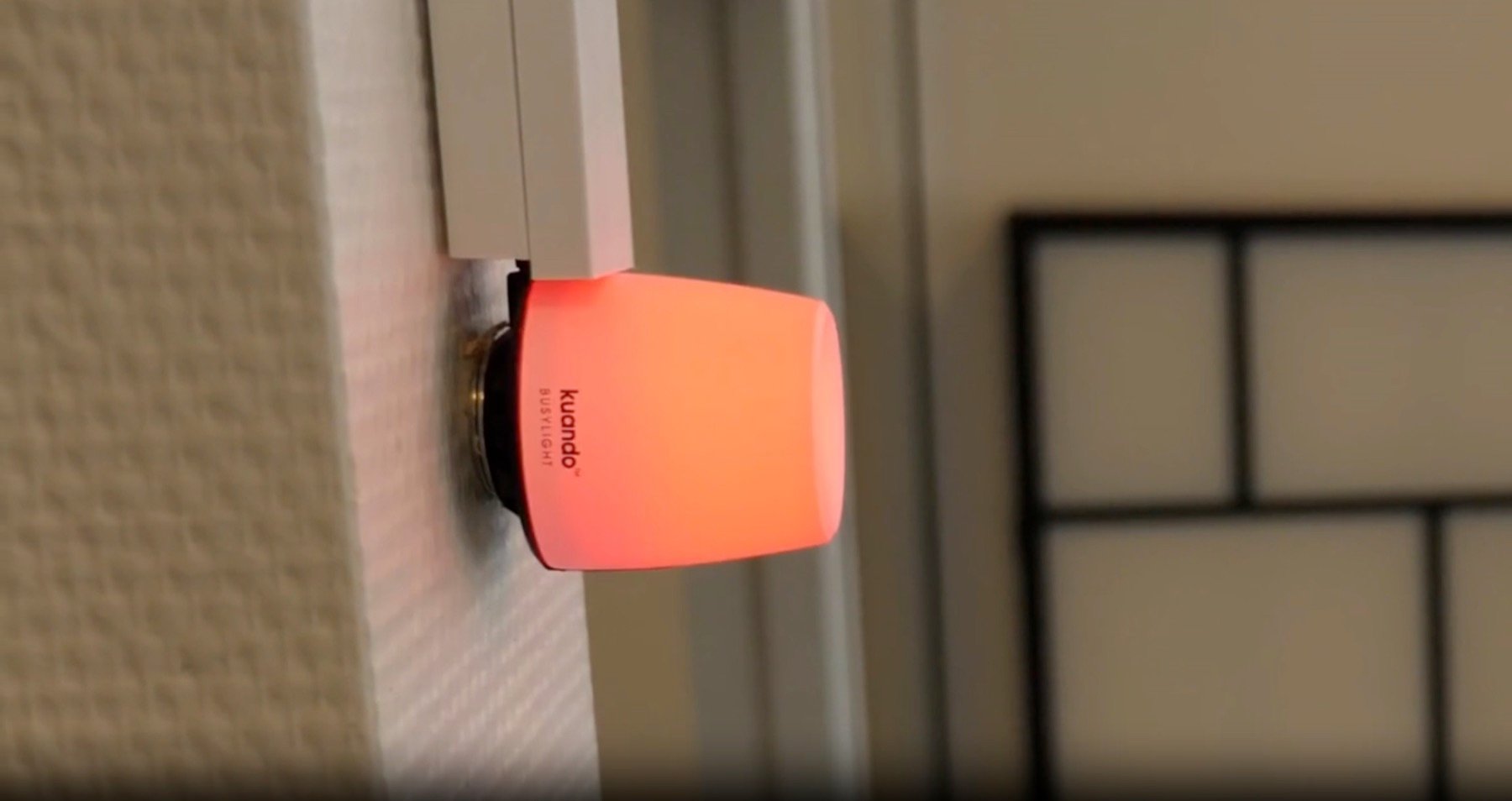
Kuando Busy Light

Green when the room is free. Red when it's booked or in use. Ten minutes before a meeting starts, the light turns yellow.

  • Wall or ceiling
  • Clear light status

In partnership with Occulights

Occulights

A discreet status light that responds when people enter or leave. See room availability from a distance, with a design that suits modern offices.

  • Sensor-driven status
  • Power over Ethernet (PoE)

We help you choose the product, placement and setup that suit your rooms.

Powered by BLDNG.hub

The light shows the status
The data decides the color

BLDNG.hub connects status to the lights. Use calendar information, sensor data or a combination, tailored to the room and the way you work. You can use existing sensors or choose a ready-made package.

01 / Calendar

Is the room booked?

Show availability based on the room's calendar, synced with Microsoft 365.

02 / Sensors

Is anyone in the room?

Show actual use, including in rooms that can't be booked.

See how BLDNG.hub connects it all

Room for different needs

Just as simple in every type of room

01 / Meeting rooms

Look before you walk in

Find a free meeting room and avoid interrupting a meeting that's already underway.

02 / Focus rooms

Drop in without searching

See whether the focus room is free, even when it isn't in a booking calendar.

03 / Social zones and rooms

An overview from the hallway

Make availability visible where people move around, with lights on the wall or ceiling.

The light shows status at the room. The app and info screens help employees find and book rooms.

Make it easier to find a space

Which rooms need
a clearer signal?

We'll help you find the right lights
and setup for your office