BLDNG.Screen / Info screen

Show where
it's free.
Right on the screen.

Give employees and visitors an overview of the building. Show free meeting rooms, workstations and floors in real time, on an info screen where people need it.

From a shared overview to room booking with Microsoft 365.

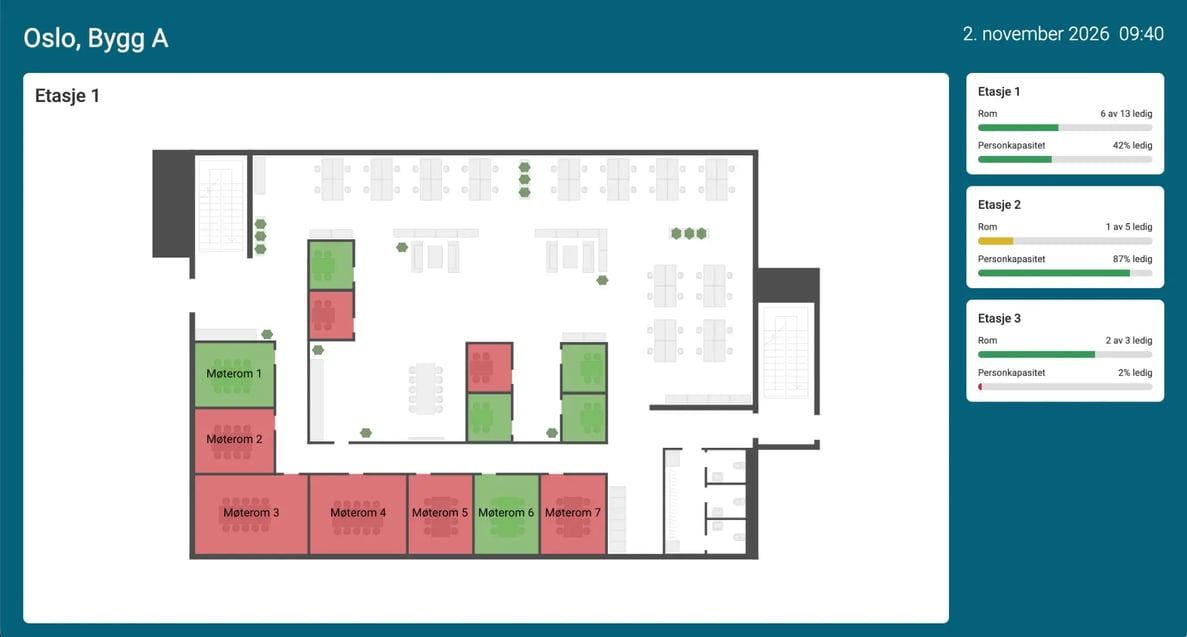
BLDNG info screen for Oslo, Building A with a floor map of the 1st floor, free and occupied meeting rooms and free capacity per floor
BLDNG.Screen
Example from the product
01

Find your way around the building.

See where rooms are before you head off.

02

See what's free.

Get up-to-date status for rooms and workstations.

03

Book on the spot.

Reserve a room from a touchscreen.

The office, on one screen

A map that makes
the building easier to use.

Floor plans and room status show
where you can go, and what's free.
bldng-screen-skjerm-removebg-preview
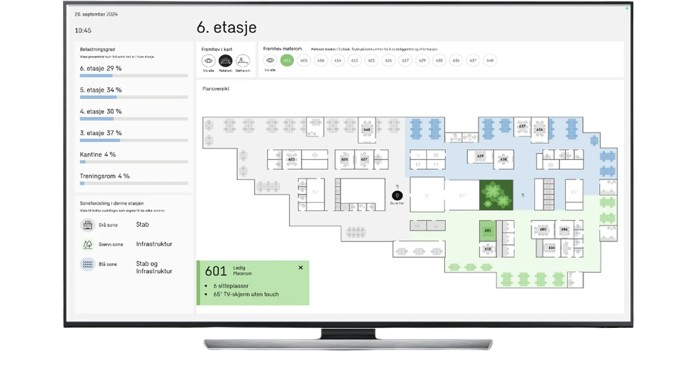
Example from BLDNG.Screen. What is shown depends on your setup and available data sources.
  • 01

    Rooms and workstations

    See what's free and occupied. The colors make the status easy to read at a glance.

  • 02

    Floors and zones

    See what's free on other floors, and find your way with the building's floor plans.

  • 03

    Indoor climate

    Show temperature and air quality where you have relevant sensor data, down to room level.
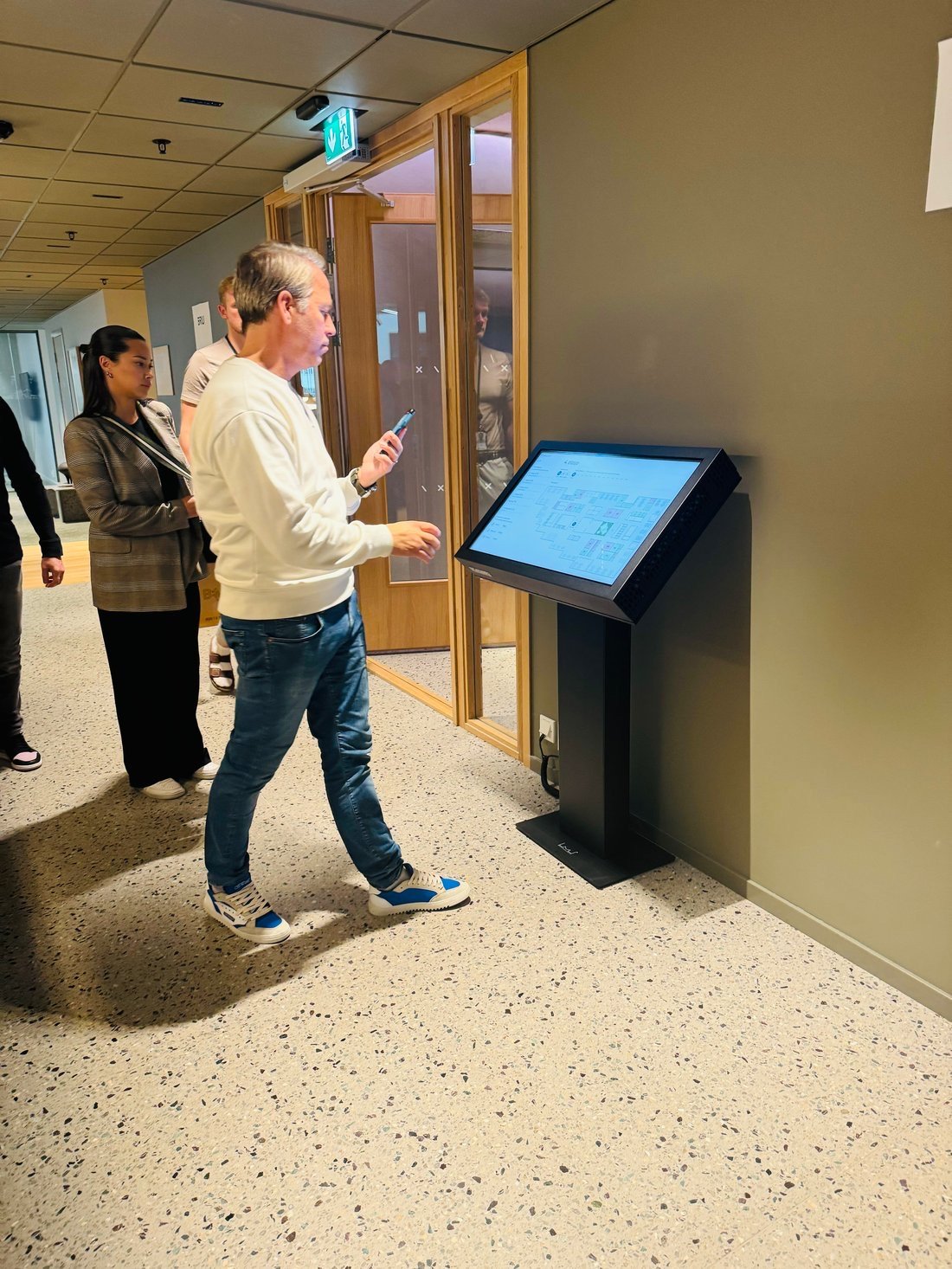
A person standing at a touchscreen showing the building's floor plan
An info screen in use.

When you choose a touchscreen

Find the room.
See the details.
Book it.

Make the screen more than an overview. Users can explore rooms, see information about equipment and find a free time slot.

  1. 1Pick a room on the floor plan
  2. 2See room details and availability
  3. 3Book directly, synced with Microsoft 365

Interactive features require a touchscreen and a tailored setup.

See booking in a demo

A custom-designed info screen

Your floor plan.
Your colors.
Your content.

The screen is built around your building and can carry your logo, colors and the information you want to show.

Choose what matters most to show: from room status and floor overviews to indoor climate and other relevant content.

  • Logo and colors
  • Your own floor plans
  • Relevant information

We help you decide on placement, views and whether it should just show information or also let people interact.

See BLDNG.Screen in action

Let us show
your building on screen.

Talk to us about floor plans, room status
and the views you need.